MY ROOM
My Room Number: ------
Connected: 0
CONNECTEDRoom: ------
Connected: 0
📚 Song Library
Save songs to reuse in future Setlists.
0 songs
0 selected
No songs saved yet.
🎵 Setlists
Songs with key, sections and learned sequence.
No songs
No learned sequence
Join requests
🖥️Authorized Devices0▸
🛠️ Song Properties▾
Not selected
🎵Key: G
SECTIONS
CURRENT SECTIONS
LEARNED SEQUENCE
No video link added yet
No learned sequence
📷 Photo-to-Chart
Upload a photo or screenshot with lyrics and chords. LyricsVision will try to convert it into an editable chart.
Select an image.
Assign sections
Place the cursor on the line where a section begins, then tap its name.
Conversion attempts to recognize headings such as Intro, Verse 1, Chorus, Pre-Chorus, Bridge, Instrumental, Solo and Final. You can then use Edit Sections for fine adjustments.
Section Editor
Tip for preparing your chart
Use letter notation for chords, for example: C, D, Em, F#m, Bb, Bbm.
Verse 1, Verse 2, Chorus, Bridge, Solo, Final…
Key
Not selected
◉
Connected to the room
Waiting for the presentation to begin…
The chart will appear when the host starts Presentation Mode.Demo LyricsVision
Key: G
Sequence
 Bluetooth Pedal
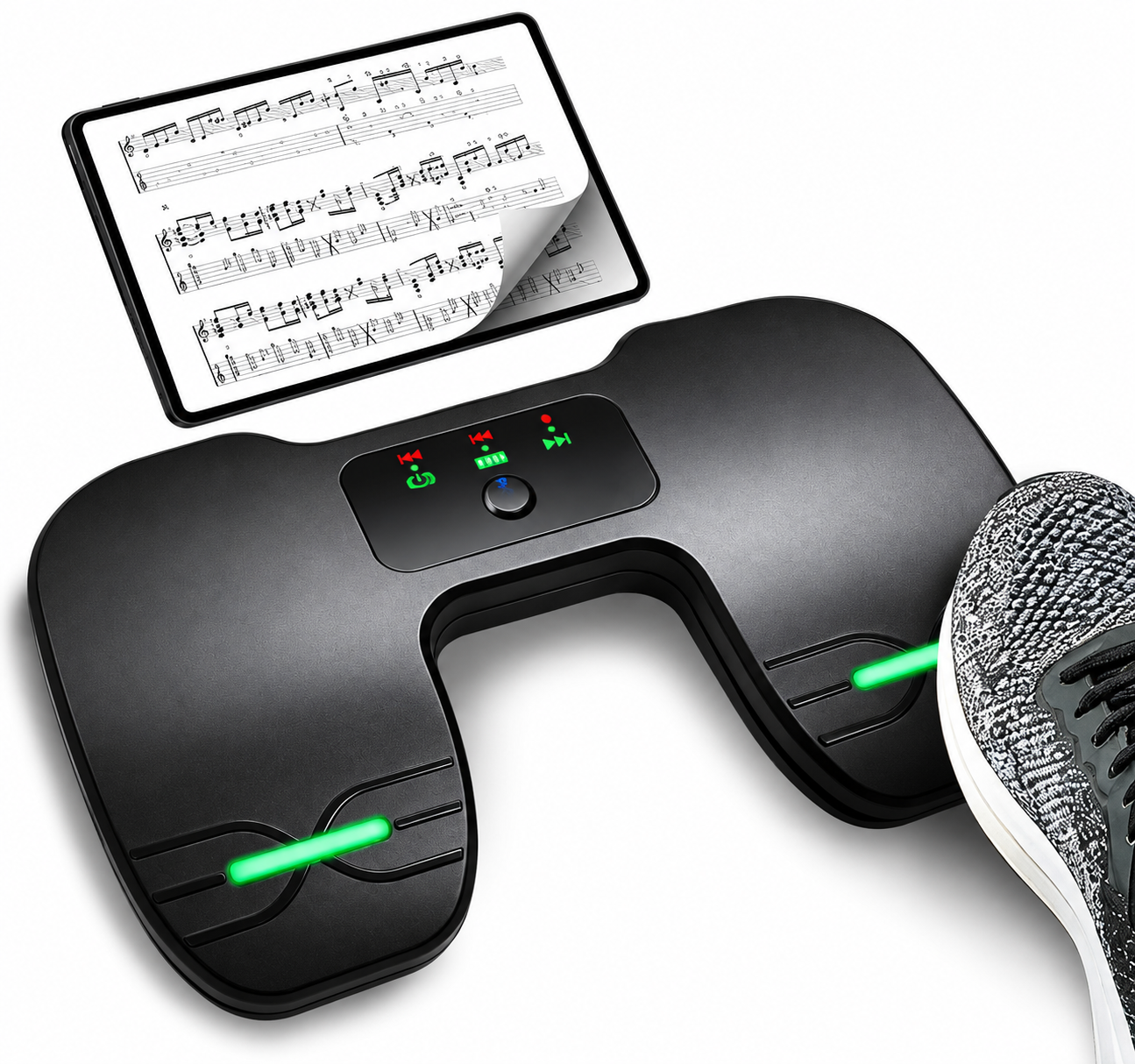 As an Amazon Associate, LyricsVision earns from qualifying purchases.
